
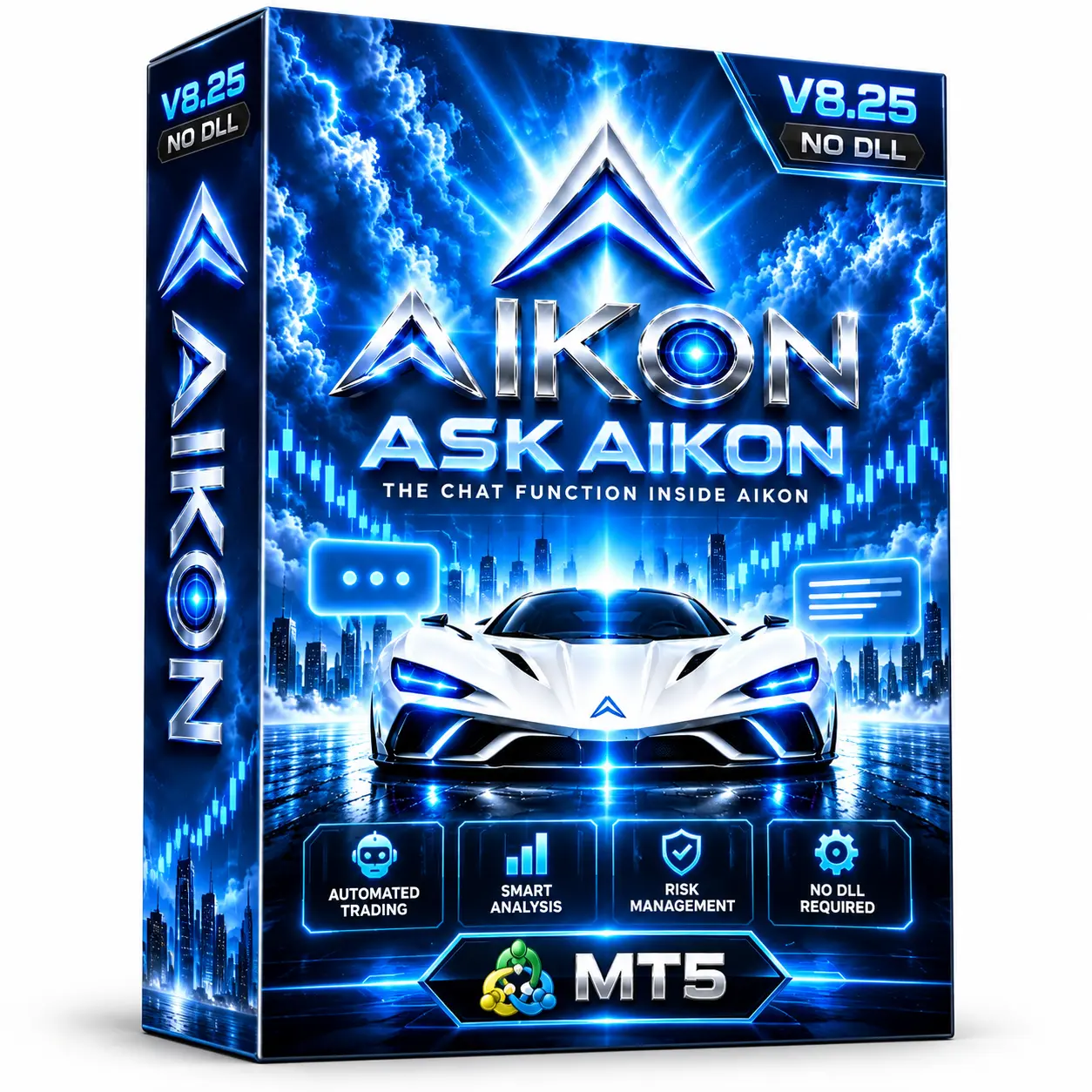




Aikon MT5 V8.25 No DLL EA | Automated Trading Expert Advisor
Aikon MT5 V8.25 No DLL EA is an automated trading Expert Advisor designed for the MetaTrader 5 (MT5) platform. It analyzes incoming market data according to its programmed trading rules and can automatically execute and manage trades when its conditions are met.
The No DLL version is designed to operate without external DLL dependencies, helping simplify installation and deployment. It is supplied as a compiled MT5 Expert Advisor (.ex5), with compatible preset .set files available for configuring supported trading parameters.
Aikon MT5 V8.25 is intended for traders exploring algorithmic trading on MetaTrader 5. Since the exact internal strategy, trading symbols, and signal calculations are not specified, users should verify the recommended configuration and evaluate the EA through independent testing before live use.
🤖 What Is Aikon MT5 V8.25 No DLL EA?
Aikon MT5 V8.25 is an automated MetaTrader 5 Expert Advisor designed to monitor market data, identify trading opportunities based on its programmed conditions, and manage positions according to its configured parameters.
Once installed and configured, the EA can automate supported trading tasks without requiring the user to manually place every order.
The product is provided as a compiled .ex5 file. Without the source code or detailed strategy documentation, the EA’s exact entry logic and signal calculations cannot be independently inspected.
💱 Aikon MT5 V8.25 Specifications
| Specification | Details |
|---|---|
| Product Name | Aikon MT5 V8.25 |
| Version | V8.25 |
| Platform | MetaTrader 5 |
| Product Type | Expert Advisor |
| File Format | .ex5 |
| DLL Requirement | No external DLL required |
| Trading Mode | Automated |
| Trading Strategy | Not specified |
| Trading Symbols | Not specified |
| Timeframe | Configuration dependent |
| Trading Parameters | Adjustable, depending on available Inputs |
| Preset Files | Compatible .set files can be used |
| VPS Operation | Suitable for continuous operation through MT5/VPS |
✨ Key Features
🤖 Automated Trade Execution
Aikon MT5 V8.25 can automatically execute trades when its programmed market conditions are satisfied, reducing the need for manual order placement.
📊 Algorithm-Based Market Analysis
The EA evaluates incoming market data according to its internal trading rules to identify potential trading opportunities.
The exact signal formula and strategy are not specified in the supplied product information.
⚙️ Adjustable Trading Parameters
Supported settings can be configured through the MT5 EA Inputs section. Available parameters depend on the specific V8.25 build.
🛡️ Trade Management
After opening a position, the EA manages trades according to its programmed logic and selected parameters.
Check the actual EA Inputs to confirm which trade-management options are available.
🚫 No External DLL Required
The No DLL version is designed to run without external DLL dependencies.
This can simplify installation and avoids the need to enable external DLL imports in the MT5 terminal.
🔄 MT5 & VPS Compatibility
Aikon MT5 V8.25 can operate while the MetaTrader 5 terminal is running. A compatible VPS can help keep the terminal available when the user’s personal computer is switched off.
📁 Compatible Preset Files
Compatible .set files can help load predefined configurations, reducing the need to enter every supported parameter manually.
Always confirm that a preset matches the EA version, trading symbol, broker, and account conditions.
🛡️ Benefits of the No DLL Version
The No DLL format is a practical feature for traders who prefer a simpler MetaTrader installation.
Potential advantages include:
- No external DLL files required
- No need to enable external DLL imports for this EA
- Simpler installation and configuration
- Fewer external software dependencies
- Convenient deployment on a compatible MT5 VPS
However, No DLL does not indicate that an EA is profitable, risk-free, or compatible with every broker. Trading behavior still depends on its algorithm, settings, market conditions, and execution environment.
⚙️ How Aikon MT5 V8.25 Works
1. Install the EA
Add the Aikon MT5 V8.25 .ex5 file to the appropriate MetaTrader 5 directory.
2. Select the Trading Setup
Attach the EA to the symbol and timeframe recommended by the supplied documentation or compatible preset.
3. Configure the Parameters
Review the available EA Inputs and load a compatible .set file if one is supplied.
4. Analyze Market Data
The EA evaluates incoming market data according to its programmed trading rules.
5. Identify a Trading Opportunity
When its internal conditions are met, the EA can generate a trading signal.
6. Execute a Position
The EA can automatically place a trade according to its programmed rules and configuration.
7. Manage the Trade
Open positions are handled according to the EA’s built-in trade-management logic and selected parameters.
8. Monitor Performance
Users should monitor account exposure, drawdown, execution quality, and trading activity while the EA is operating.
🎯 Why Consider Aikon MT5 V8.25 No DLL EA?
Aikon MT5 V8.25 is designed for traders who want to explore automated trading through the MetaTrader 5 platform.
Its main product characteristics include:
- Automated trading execution
- Algorithm-based market monitoring
- Adjustable parameters
- Built-in trade management
- No external DLL requirement
- Compatible preset configuration support
- MT5 and VPS operation
The No DLL format can simplify deployment, while the compiled .ex5 format means the internal strategy cannot be independently inspected in the same way as editable source code.
🎯 Key Benefits
- 🤖 Automated Trading – executes trades according to programmed conditions.
- 🖥️ MT5 Compatibility – developed for the MetaTrader 5 environment.
- 🚫 No DLL Dependency – does not require external DLL files.
- ⚙️ Configurable Inputs – allows adjustment of supported parameters.
- 📊 Algorithmic Operation – follows programmed market conditions.
- 🔄 Trade Management – manages positions according to its internal rules.
- 📁 Preset Support – compatible
.setfiles can simplify configuration. - 🖥️ VPS Suitable – can operate through a compatible MT5 VPS setup.
📦 What Is Included?
The supplied product information identifies:
- Aikon MT5 V8.25 EA
- Compiled MT5 Expert Advisor file (
.ex5) - No DLL version
- Compatible preset
.setfiles, where supplied
Check the actual download package to confirm the exact included files and configurations.
🧪 Recommended Testing Process
Before considering live trading, follow a structured evaluation process.
Step 1 — Install the Correct File
Confirm that the supplied .ex5 file is compatible with your MetaTrader 5 terminal.
Step 2 — Review the Configuration
Check the recommended trading symbols, timeframe, and settings in the product documentation.
Step 3 — Load Compatible Presets
If .set files are included, select a preset that matches the EA version and intended trading setup.
Step 4 — Backtest
Use the MT5 Strategy Tester where the EA and its configuration support historical testing.
Step 5 — Forward Test on Demo
Run the EA on a demo account to evaluate its behavior under current market conditions.
Step 6 — Review Risk Parameters
Check:
- Lot size or position-sizing method
- Risk per trade, if available
- Maximum open positions, if available
- Stop Loss and Take Profit settings, if available
- Maximum drawdown
- Trading frequency
- Account exposure
Step 7 — Evaluate Execution Conditions
Monitor spread, slippage, broker execution, and VPS connection quality.
Step 8 — Verify Before Live Use
Only consider live deployment after you understand the EA’s behavior and have evaluated it under your intended broker and account conditions.
❓ Frequently Asked Questions
What is Aikon MT5 V8.25 No DLL EA?
Aikon MT5 V8.25 is an automated Expert Advisor designed for MetaTrader 5. It analyzes market data and executes trades according to its programmed rules.
Is Aikon V8.25 compatible with MT4?
The supplied product information specifies MetaTrader 5. An MT4 version is not confirmed.
What does No DLL mean?
The No DLL version is designed to operate without external DLL dependencies. It does not require enabling external DLL imports for the EA.
What is the file format?
The EA is supplied as a compiled MetaTrader 5 Expert Advisor file with the .ex5 extension.
Which currency pairs does Aikon V8.25 trade?
The supported trading symbols are not specified in the supplied description. Check the product documentation or compatible preset files.
What timeframe does Aikon MT5 V8.25 use?
The timeframe is configuration dependent. Verify the recommended chart timeframe from the supplied documentation or preset.
Does Aikon MT5 V8.25 support SetFiles?
Compatible .set files can be used with the EA. Confirm whether preset files are included in your specific package.
Can I run Aikon MT5 V8.25 on a VPS?
The EA can operate through a compatible MT5 VPS setup while the terminal remains running.
Can I inspect or modify the EA’s strategy?
The supplied product is a compiled .ex5 file. The exact internal strategy cannot be independently inspected unless source code or detailed documentation is provided.
Does the No DLL version guarantee better performance?
No. No DLL refers to the absence of external DLL dependencies. It does not guarantee profitability, lower drawdown, or better trading performance.
Does Aikon MT5 V8.25 guarantee profits?
No automated trading system can guarantee profits. Results can vary with market conditions, broker execution, spreads, slippage, and configuration.
⚠️ Risk Disclaimer
Automated trading involves substantial financial risk. A No DLL setup does not make an Expert Advisor risk-free or guarantee reliable performance.
Actual results may vary depending on the EA’s internal strategy, trading parameters, market conditions, spread, slippage, broker execution, account type, and position sizing.
Because Aikon MT5 V8.25 is supplied as a compiled EA and its exact internal strategy is not specified, users should conduct independent testing and verify performance rather than relying solely on promotional claims.
Always test on a demo account before considering live trading. Past performance and backtest results are not guarantees of future results.


Reviews
There are no reviews yet.