
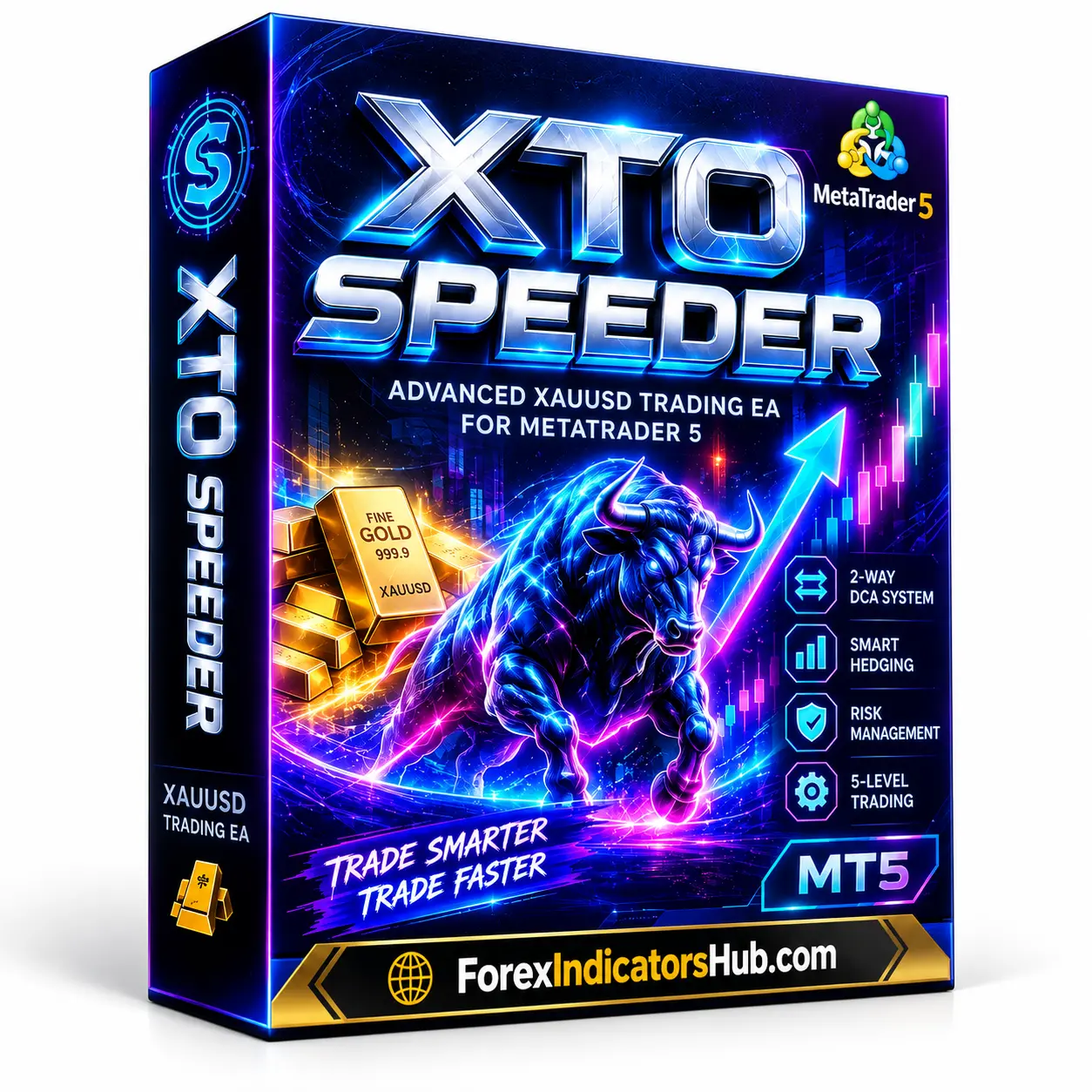
XTO Speeder V4 v1.4 MT5 No DLL + SET Files – XAUUSD Gold EA
Automate your Gold trading workflow with XTO Speeder V4 v1.4 MT5 No DLL, a MetaTrader 5 Expert Advisor designed primarily for XAUUSD (Gold). Featuring two-way Buy and Sell trading, Supertrend-based market analysis, configurable DCA settings, and integrated hedging functions, this EA provides multiple tools for automated trade and position management.
The XTO Speeder V4 MT5 EA includes SET files for predefined configurations and operates without requiring external DLLs. Its adjustable settings allow traders to configure trade direction, lot sizing, DCA levels, step distances, hedging options, and position-management parameters.
If you’re looking for an XAUUSD-focused MT5 Expert Advisor with DCA and hedging functionality, explore the features and configuration options of XTO Speeder V4 v1.4 below.
XTO Speeder V4 v1.4 MT5 EA – Product Specifications
| Specification | Details |
|---|---|
| Product Name | XTO Speeder V4 v1.4 |
| Product Type | Automated Forex Expert Advisor |
| Trading Platform | MetaTrader 5 (MT5) |
| Primary Trading Symbol | XAUUSD (Gold) |
| Recommended Timeframe | H1 |
| Trading Direction | Buy and Sell |
| Trading Logic | Supertrend-based analysis, DCA and hedging |
| Trade Management | Multi-level position management |
| Configuration Files | SET files included |
| DLL Requirement | No external DLL required |
| Automated Trading | Yes, when configured and running in MT5 |
Key Features of XTO Speeder V4 MT5
1. Automated Gold Trading
XTO Speeder V4 is primarily designed for XAUUSD, allowing traders to automate trading operations on the Gold market through MetaTrader 5. Gold can experience sharp price movements, so appropriate risk settings and careful testing are essential.
2. Two-Way Buy and Sell Trading
The EA supports Buy and Sell trading activity. Its configurable trade-direction controls allow users to adjust which side of the trading system is active according to their chosen setup.
3. Supertrend-Based Market Analysis
The EA uses Supertrend-based market analysis as part of its trading logic. The supplied product information does not specify the complete entry algorithm or the exact Supertrend parameters, so these should be checked in the EA settings and documentation.
4. DCA-Based Position Management
XTO Speeder provides configurable Dollar-Cost Averaging (DCA) functionality with multiple trade levels and adjustable step distances. Depending on the configuration and market movement, adding positions can increase total exposure and drawdown.
5. Integrated Hedging Functions
The EA includes hedging functionality that can manage Buy and Sell exposure when its configured conditions are met. Actual hedge behaviour depends on the EA settings and the account’s MT5 hedging capabilities.
6. Adjustable Risk and Position Controls
Available configuration options include lot sizing, DCA levels, step distances, risk parameters, trade-direction controls, and position management. Review every setting before enabling automated trading.
7. SET Files Included
The product includes SET files for predefined configurations. These files can simplify initial setup, but they should not be assumed to suit every broker, account size, leverage level, or market condition.
8. No DLL Requirement
The No DLL version does not require external DLL files to operate. Users should still obtain the EA and its configuration files from a trusted source and verify compatibility with their MetaTrader 5 installation.
How Does XTO Speeder V4 Work?
XTO Speeder V4 monitors Gold price movements in MetaTrader 5 and applies its configured market-analysis and trade-management logic.
Depending on the selected configuration, its trading process can include:
- Analysing market direction using Supertrend-based logic.
- Managing Buy and Sell trading activity.
- Applying configurable DCA levels and step distances.
- Using hedging functions when the configured conditions are met.
- Managing positions according to the selected risk and trade-management parameters.
The exact entry conditions, position-sizing formula, and exit rules should be verified using the supplied product documentation and EA settings.
How to Set Up XTO Speeder V4 v1.4 on MT5
- Download the EA and included SET files from your purchase source.
- Open MetaTrader 5 and select File → Open Data Folder.
- Place the EA file in the appropriate
MQL5/Expertsfolder. - Restart MT5 or refresh the Expert Advisors list.
- Open an XAUUSD chart and review the recommended H1 timeframe.
- Attach the EA to the chart and enable automated trading only after reviewing its settings.
- Load a suitable SET file if desired, then verify lot sizing, DCA levels, step distances, hedging options, and risk parameters.
- Test the configuration in the Strategy Tester and on a demo account before considering live trading.
Menu labels and installation requirements may vary by MT5 version and the format of the supplied files.
Why Consider XTO Speeder V4 v1.4?
XTO Speeder V4 brings together automated Gold trading, two-way trading functionality, Supertrend-based analysis, DCA position management, and hedging options in a single MT5 Expert Advisor.
Its configurable settings provide flexibility for users who understand multi-position trading systems, while the included SET files offer predefined starting configurations.
However, DCA and hedging do not eliminate trading risk or guarantee profitable results. Performance depends on market conditions, settings, execution costs, broker specifications, and account risk limits.
Frequently Asked Questions
Is XTO Speeder V4 v1.4 compatible with MT4?
The supplied product information identifies this version as an MT5 Expert Advisor. MT4 compatibility has not been confirmed.
Which trading symbol is recommended?
The EA is primarily designed for XAUUSD (Gold).
Which timeframe is recommended?
The supplied specifications recommend H1. Confirm the appropriate chart and settings using the product documentation.
Does XTO Speeder V4 require a DLL?
No. This version is described as a No DLL release and does not require external DLL files.
Are SET files included?
Yes. SET files for predefined configurations are included with the product.
Does the EA use DCA and hedging?
Yes. The supplied description identifies configurable DCA functionality and integrated hedging features.
Does XTO Speeder V4 guarantee profits?
No. No Expert Advisor can guarantee profits. Trading Gold with DCA and hedging can expose an account to substantial drawdown, margin pressure, and losses.
Should I test the EA before live trading?
Yes. Test the EA using the Strategy Tester and a demo account, and check its behaviour under different Gold market conditions before considering live deployment.
Important Trading Risk Disclaimer
XTO Speeder V4 v1.4 is automated trading software, not a guarantee of investment returns. Gold prices can move sharply, and DCA-based systems may accumulate positions during adverse market conditions. Hedging can add complexity and does not necessarily limit overall losses.
Always test the EA thoroughly, understand its configuration, and use risk limits appropriate to your circumstances. Past performance, if shown by a seller, does not guarantee future results.
Explore XTO Speeder V4 v1.4 MT5 No DLL + SET Files
Review the specifications, verify the supplied files, and test your preferred configuration before using XTO Speeder V4 on a live trading account.
Platform: MetaTrader 5 | Symbol: XAUUSD | Timeframe: H1 | DLL: Not required | SET Files: Included



Reviews
There are no reviews yet.